Chat with PDF
Ask your document. Understand what matters.
Upload or drag a file here
PDF: max 20MB
One PDF. Three simple steps.
Go from your document to a conversation.
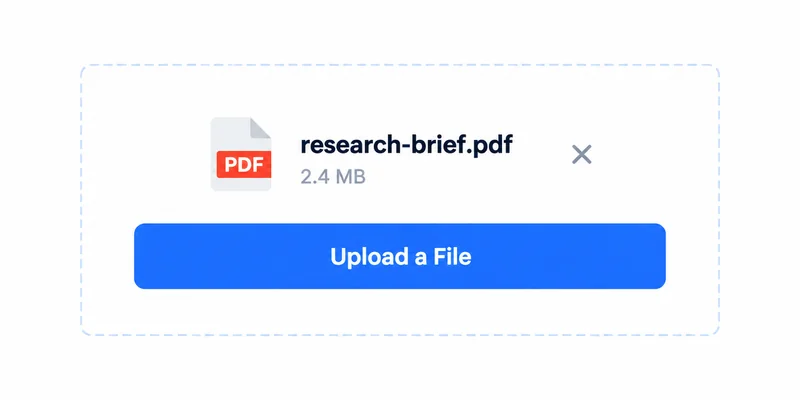
1. Upload a PDF
Upload or drag your document.
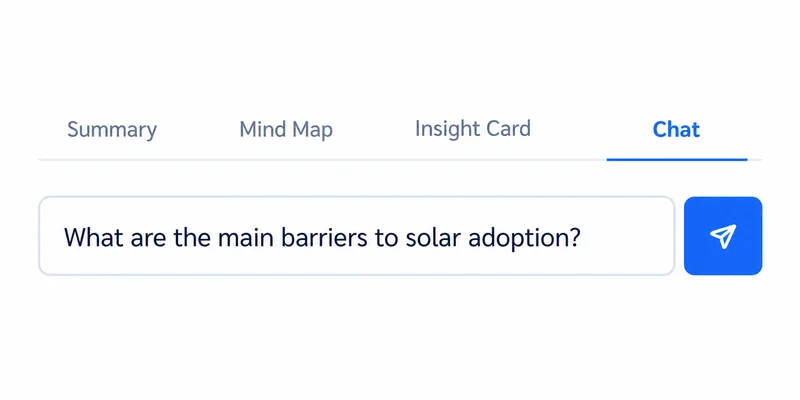
2. Open Chat and ask
Go to the Chat tab and ask a question.
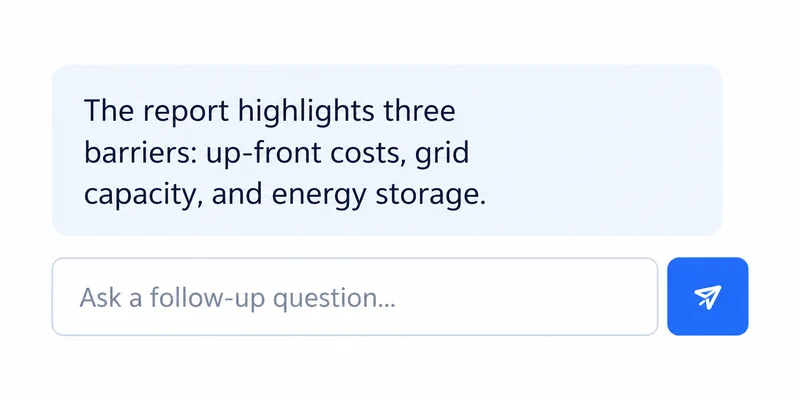
3. Read and follow up
Get an answer and keep exploring.
A clear answer starts with one question.
Chat with your document to get straightforward answers.

A closer look at Chat. On desktop, read it beside the original PDF.
Follow the thread. Find the meaning.
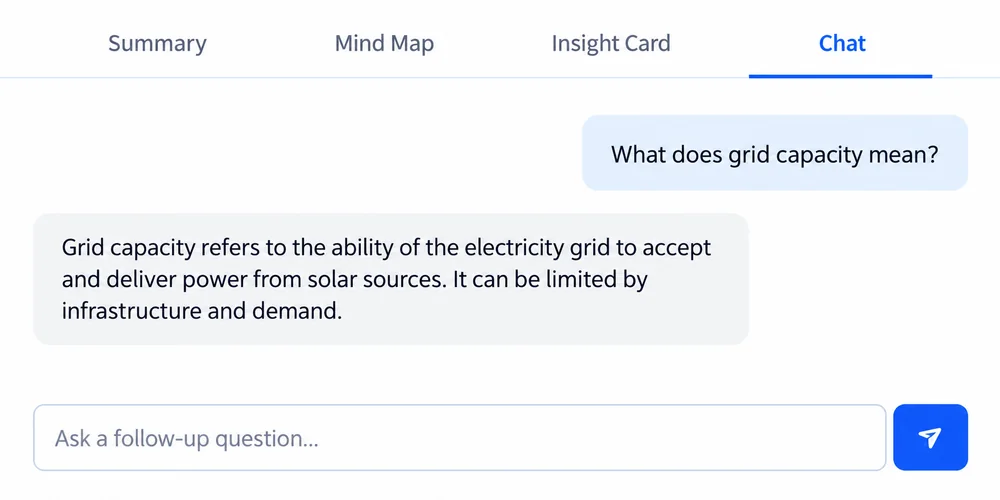
Go deeper with follow-up questions and clear explanations.
Explore with follow-up questions
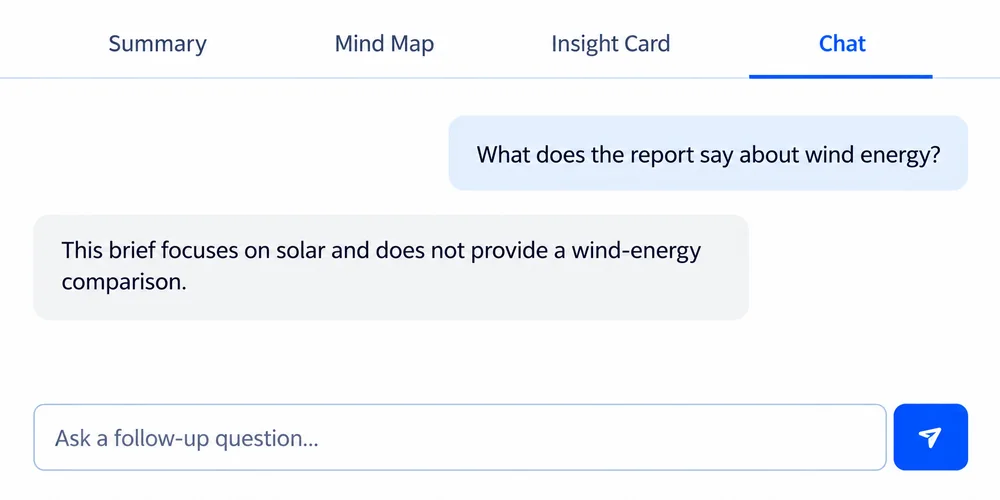
Know the document’s limits
Frequently Asked Questions
Text-based PDFs work best. Image-only scans may need OCR first. File size limits depend on your plan and are shown in the upload area.
Yes. Open the Chat tab after your document is ready, ask a question, and continue the conversation about the same PDF. Review important answers against the original document.
AI chat usage depends on your account credits and plan limits. Check the upload area and pricing page for your current limits.