
Markdown to PDF
Turn Markdown notes into a PDF you can share.
How it works
Upload your file, process it, then download the result.
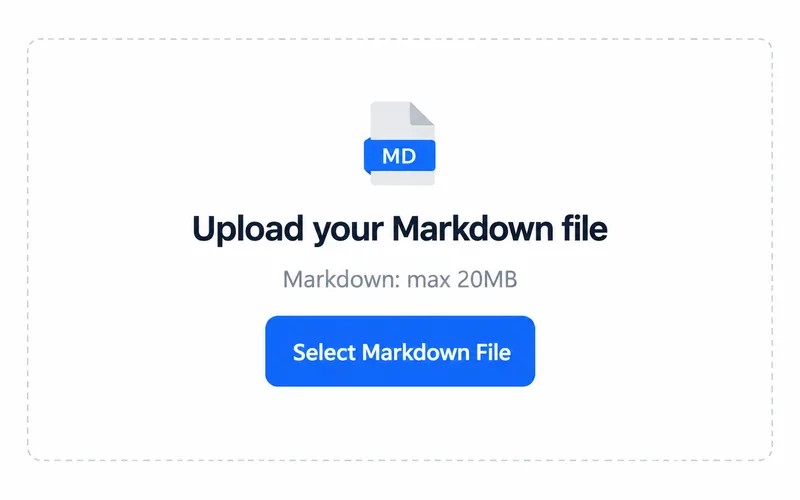
1. Upload your file
Choose a file from your device.
2. Process your file
Processing starts after you select a file.
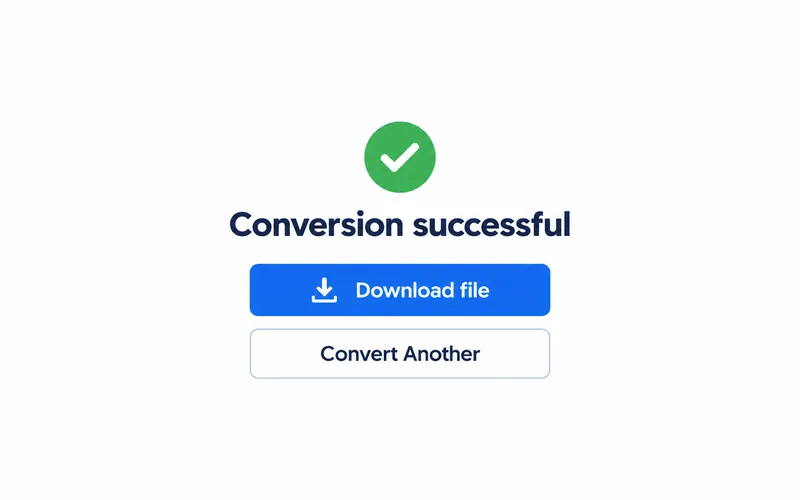
3. Download the result
Save the file and open it to check the result.
From writing notes to a finished document
Headings, paragraphs and lists, laid out on the page.

Example output. Actual results depend on your source file.
Where this fits your workflow
Share project notes
Package a Markdown project brief as a PDF for teammates.
Prepare a reading copy
Create a document for reading outside your Markdown editor.
Frequently asked questions
Select Markdown (.md / .markdown). The upload area shows the current file size limit.
The output format is PDF. Open the downloaded file in a compatible application.
Headings, paragraphs and lists become a PDF document. Check page breaks and linked images.