
AI PDF Translator
Translate PDFs. Keep your layout.
Upload or drag a file here
PDF: max 20MB
Different language. Same layout.
Translate your PDF while keeping its original formatting, images and structure.

A closer look at the translated PDF. Compare both versions on desktop.
Three steps. One translated PDF.
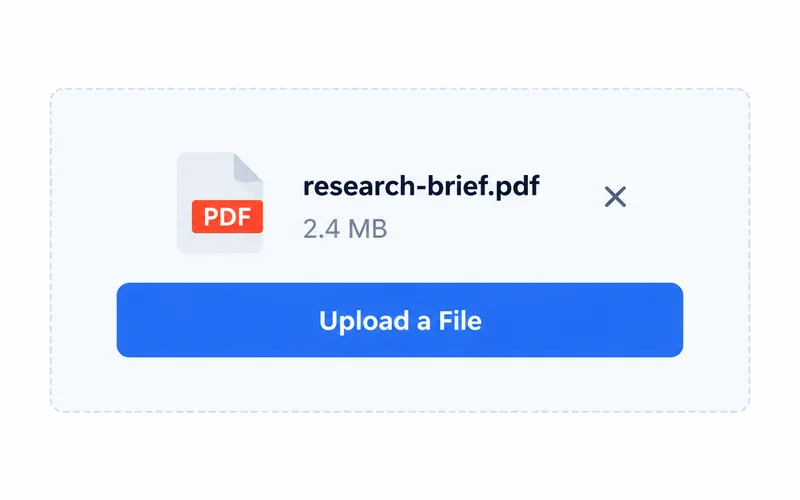
1. Upload your PDF
Drag and drop your PDF file to get started.
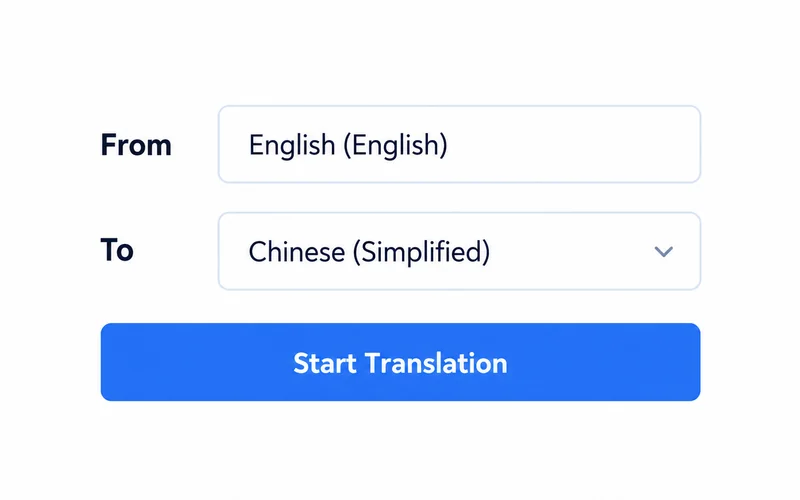
2. Choose a language
Select your target language and start translating.
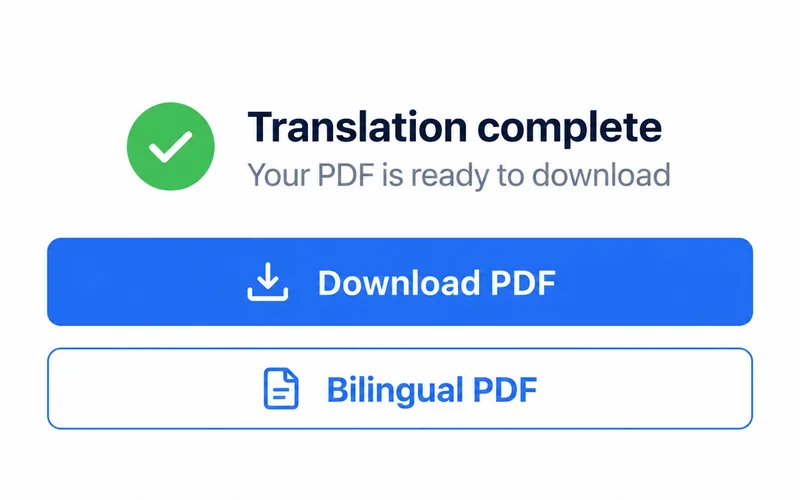
3. Preview & download
Check the result, then download your preferred PDF version.
Built for documents that matter
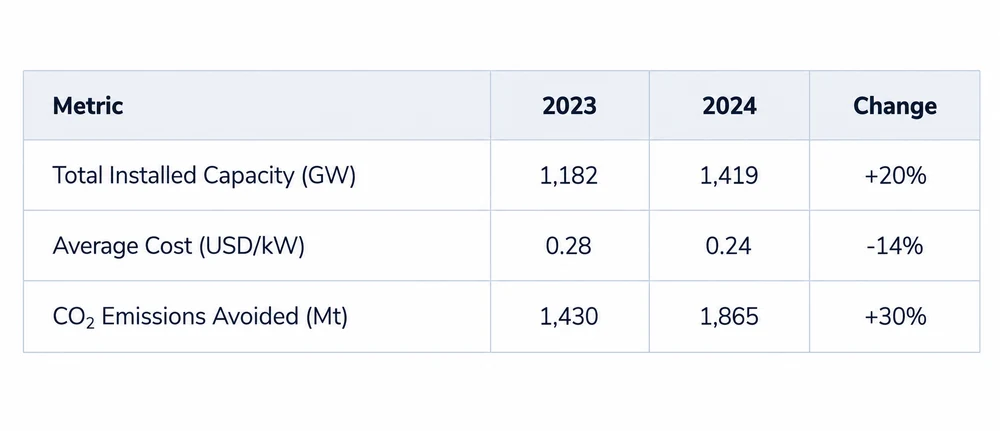
Tables stay aligned
Keep the structure of your tables, images and page layout.
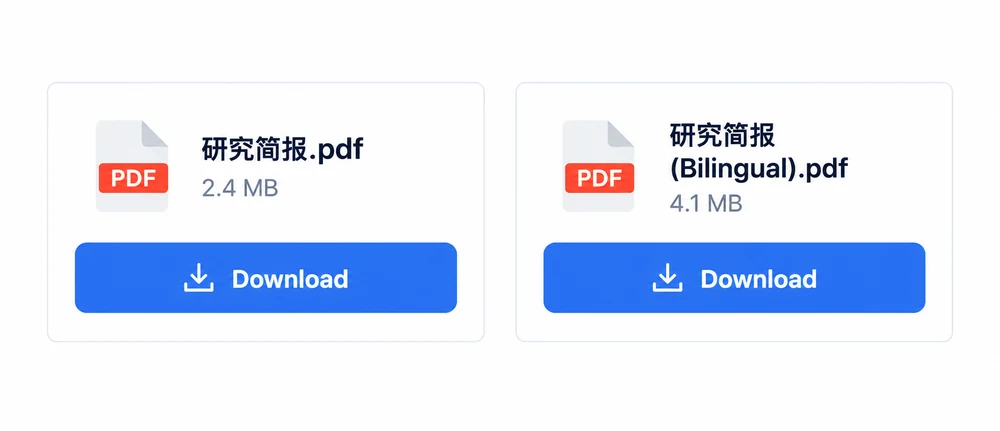
Download your way
Get the translated PDF, or both languages in a bilingual PDF.
Trusted by professionals worldwide

The translated PDF kept the layout of my original forms.
Elena RodriguezInternational Relations

The side-by-side view helps me check contracts with confidence.
Marcus WeberSupply Chain Manager

Translating our employee handbooks saves our team hours of work.
Anna KowalskiHR Director
Frequently Asked Questions
Yes! Our advanced rendering engine ensures that fonts, images, tables, and layout remain exactly the same as your source document.
We currently support over 60 languages, including major business languages like English, Spanish, Chinese, Japanese, German, and French.
Absolutely. Our built-in OCR (Optical Character Recognition) technology can read and translate text from scanned documents and images within the PDF.
We use state-of-the-art neural machine translation models that understand context and nuance, providing highly accurate results for professional use.
While the downloadable PDF is final, you can copy text from the side-by-side view if you need to make manual adjustments in another editor.
Most documents are translated in seconds. Larger files with many pages or complex images may take slightly longer, but it is significantly faster than manual translation.