
AI PDF Reader
Read the document. Understand the essentials.
Upload or drag a file here
PDF: max 20MB
Your document. A clearer perspective.
Read the original PDF alongside an AI summary, mind map, and chat to understand faster.

A closer look at the AI summary. On desktop, read it beside the original PDF.
From PDF to understanding in three steps.
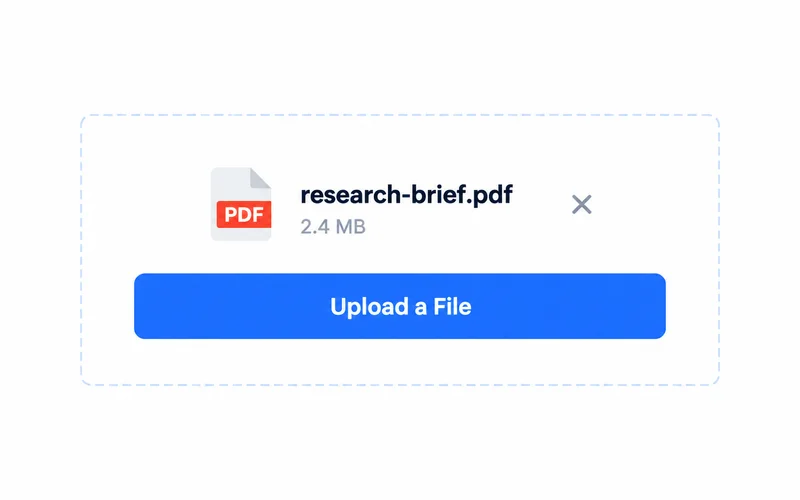
1. Open a PDF
Upload or drag and drop your document.

2. Explore with AI
Read the original PDF alongside AI insights.
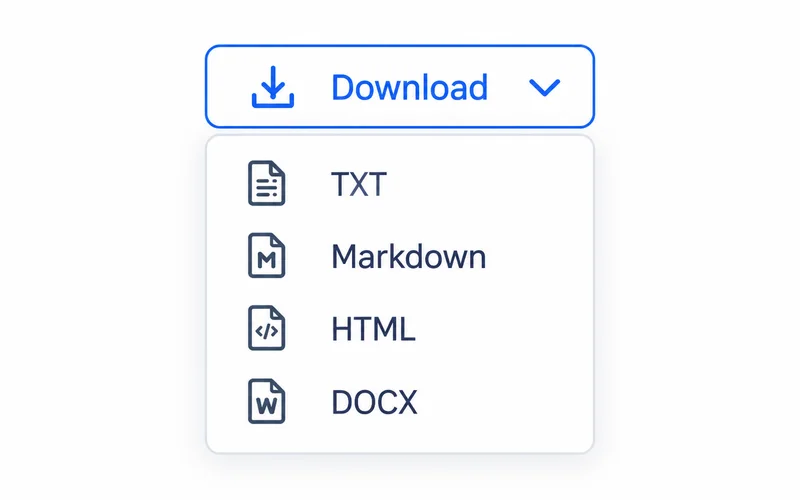
3. Keep what matters
Copy insights or export to TXT, Markdown, HTML, or DOCX. Downloads require a subscription.
See the details. Connect the ideas.
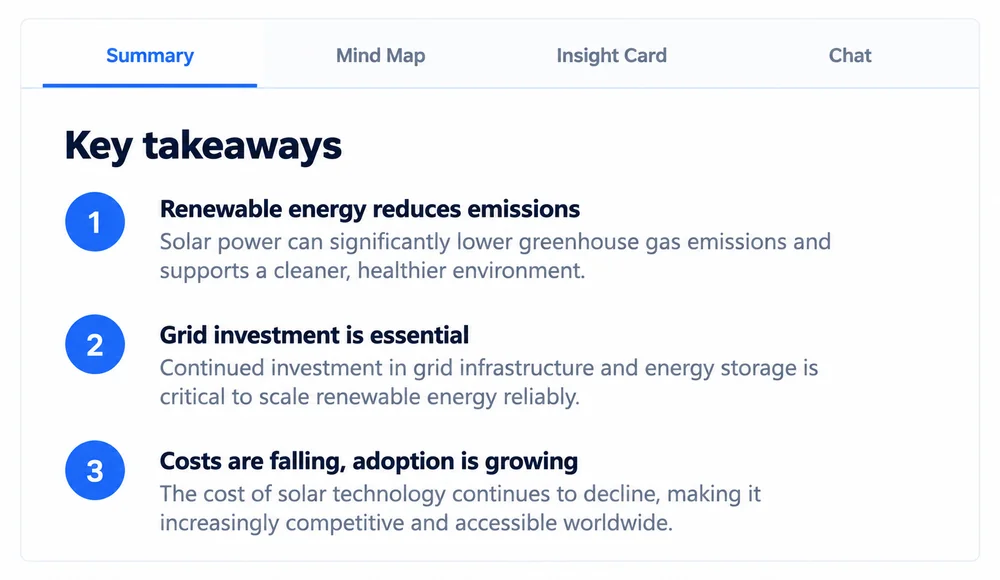
Clear, concise summaries
Get the key points without wading through pages.
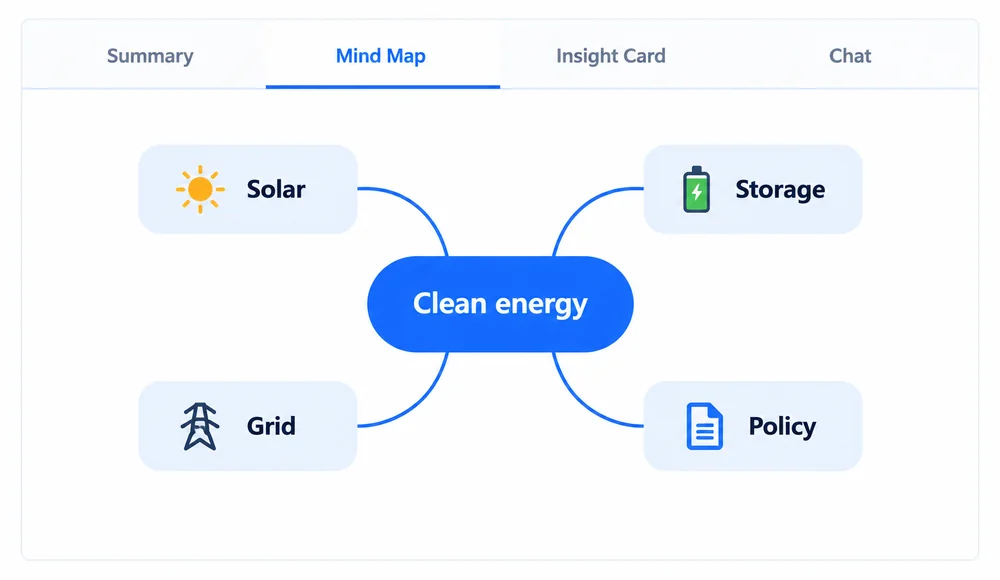
Visualize the big picture
Turn complex information into clear connections.
Trusted by readers like you.

The ability to switch between reading the raw text and seeing a mind map of the arguments is brilliant. It's how I process papers now.
Dr. Alan GrantAcademic Researcher

I review hundreds of reports. Asking the AI questions about a document helps me get to the information I need.
Sofia RodriguezJournalist

Visualizing specs and requirements with the mind map view helps my team get on the same page instantly.
David KimProduct Manager
Frequently Asked Questions
Text-based PDFs work best. Scanned, image-only documents may need OCR before AI analysis. File size limits depend on your plan and are shown in the upload area.
You can copy the summary, or download it as TXT, Markdown, HTML, or DOCX. Mind maps can be downloaded as SVG. Downloads require an active subscription.
Usage depends on your account credits and plan limits. Downloads require a subscription. Check the upload area and pricing page for your current limits.