
Free PDF OCR & Document Tool
One-click conversion of scanned documents or images with text into high-quality searchable PDFs. AI-powered engine supports global languages and preserves original layout. Permanent free and secure.
Upload PDF or Image
pdf: max 20MB
How to use PDF OCR online?
Extract text from scanned documents in just three simple steps
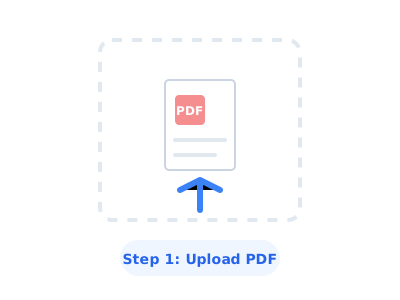
1. Upload File
Select the scanned PDF or image that needs OCR and upload it to our secure server.
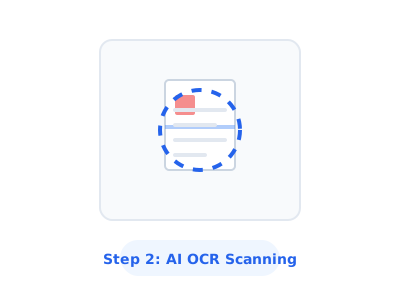
2. Select Language
Choose the languages contained in the document (e.g., English, Chinese) for precise matching.
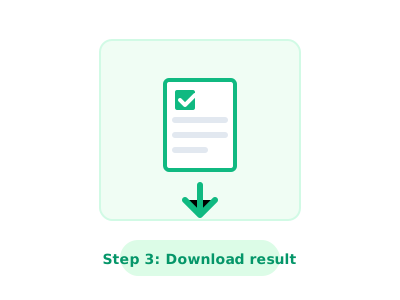
3. Get Results
Once finished, you can instantly download a searchable PDF document with a text layer.