
Inspect structure, not just syntax
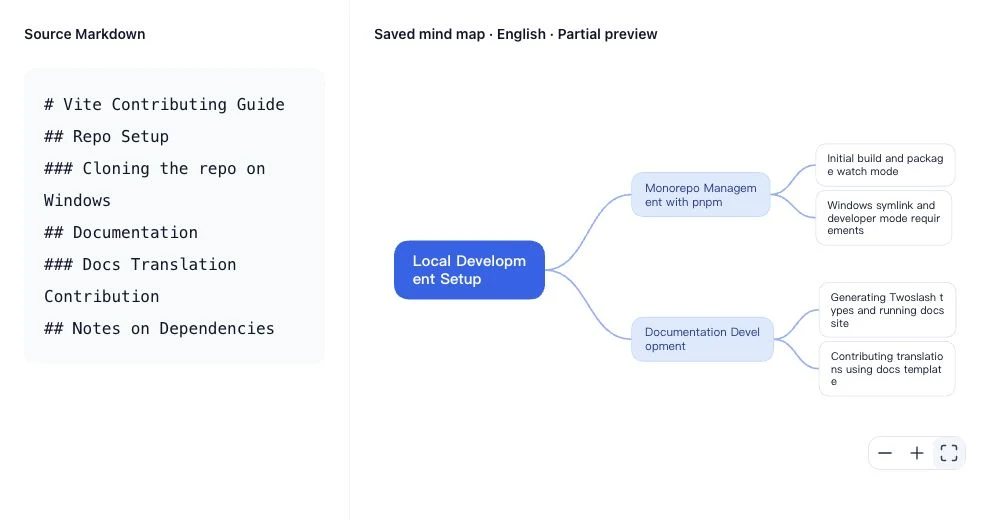
See how Markdown headings and lists are organized into a clear visual structure. Review the result against the original document.
Turn Markdown headings, lists and MD files into an editable mind map with AI. Review key topics, adjust branches and export your result with NoteAI.
AI may reorganize content. This sample is in English; review the result against your source.
Compare your source file with the AI-generated mind map. This example is from Vite CONTRIBUTING.md.
# Vite Contributing Guide
## Repo Setup
### Cloning the repo on Windows
## Documentation
### Docs Translation Contribution
## Notes on DependenciesPartial preview · Generated 2026-10-19
Explore key topics in a visual structure, review related content and export your result.
See how Markdown headings and lists are organized into a clear visual structure. Review the result against the original document.
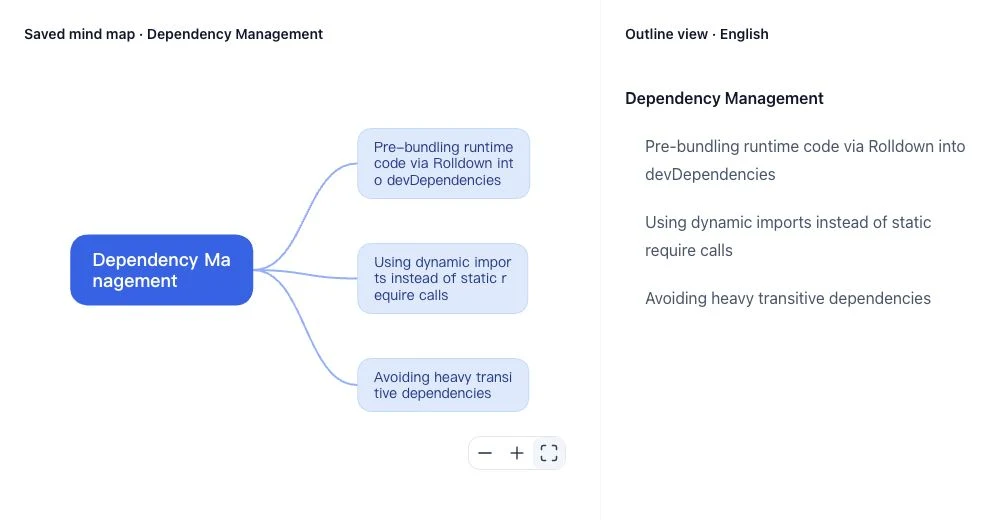
Explore a topic and its related points side by side, with an outline to review the key details.
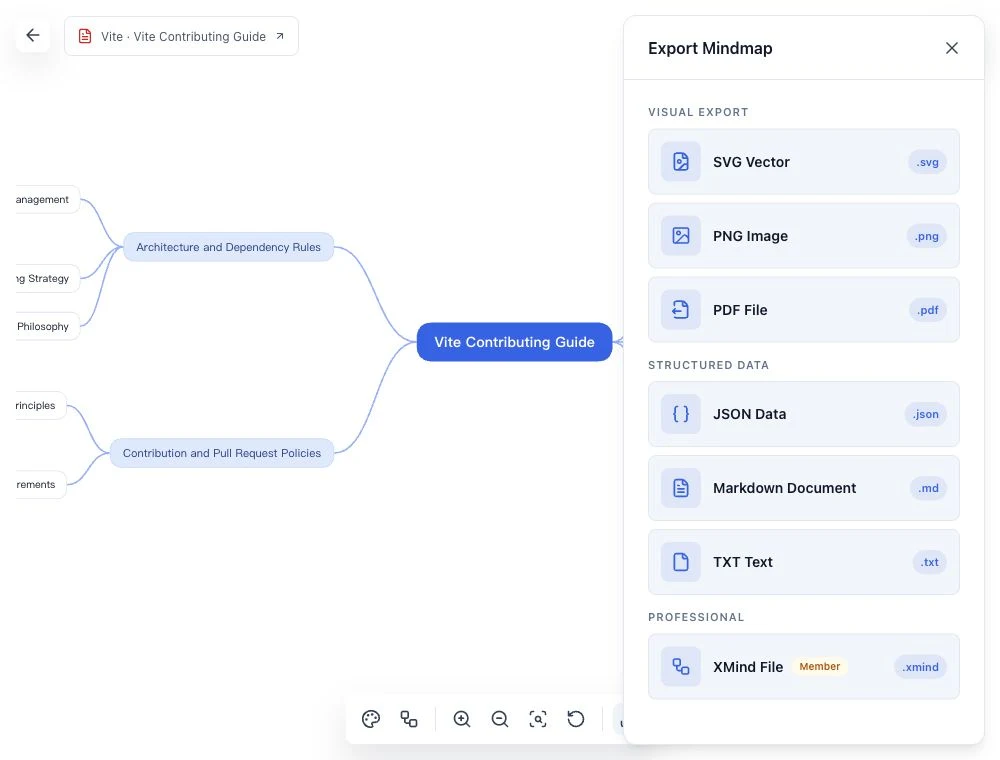
Adjust node content and structure, then export images, documents or XMind. Downloads follow account limits; XMind requires a subscription.
A simple workflow from your Markdown file to a rich, editable mind map.
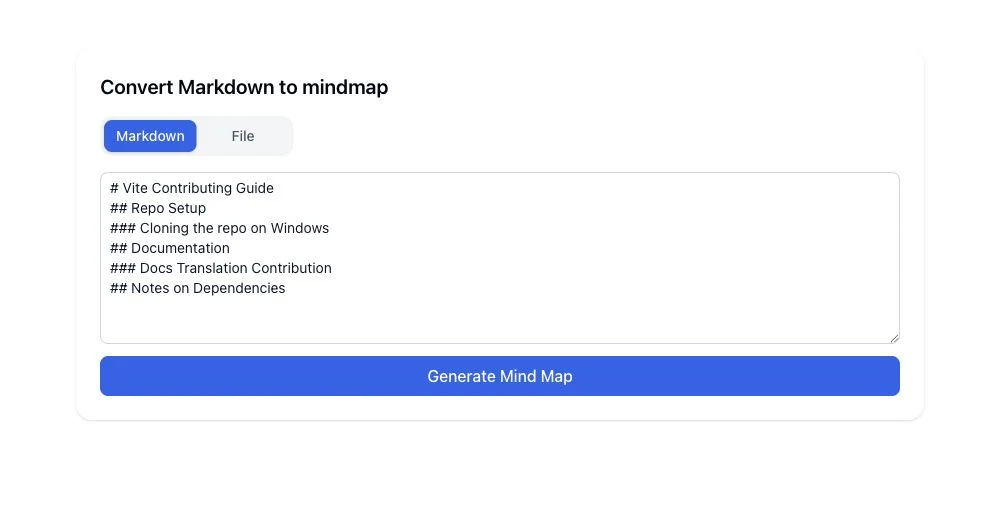
Paste Markdown text or upload an MD file from your computer.
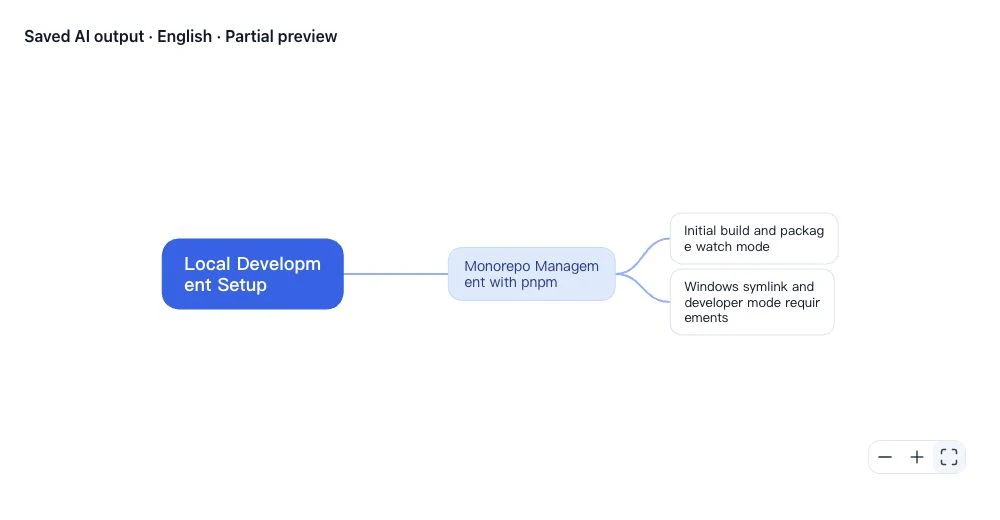
AI groups the content into a mind map. Review the result against your source.
Refine the map and export it in your preferred format. Account limits apply.
Pasted Markdown or an MD file. AI reorganizes headings and lists; this is not lossless conversion or XMind file import.
Yes. Edit nodes, switch layouts and change themes in the result page.
PNG, PDF, SVG, Markdown, JSON, TXT and XMind. Downloads follow account limits; XMind requires a subscription.
Source text and file details are temporarily cached in this browser for up to 24 hours. AI processing uses the submitted text. This is not a permanent document archive; see the Privacy Policy.
Open the saved, real AI-generated example, or create your own map above.