
Compress PDF
Reduce PDF file size with a quality level that fits your document.
The same document, a lighter file
Compare the processed PDF with the original before sharing.

Example output. Actual results depend on your source file.
How it works
Upload your file, process it, then download the result.
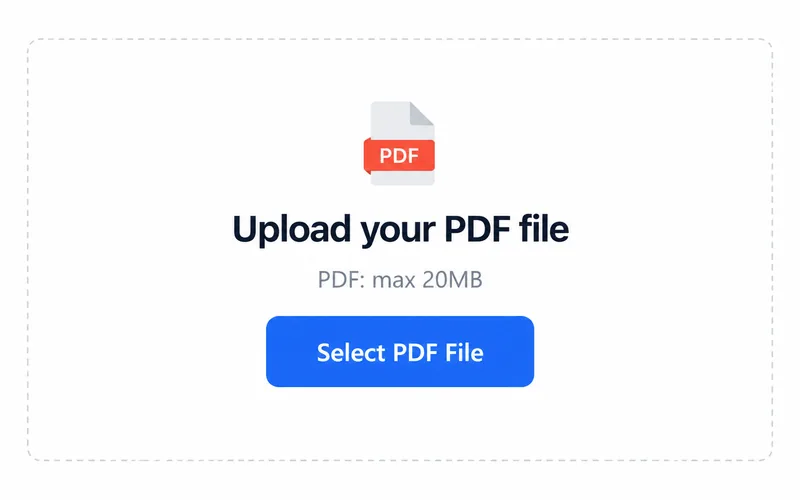
1. Upload your file
Choose a file from your device.
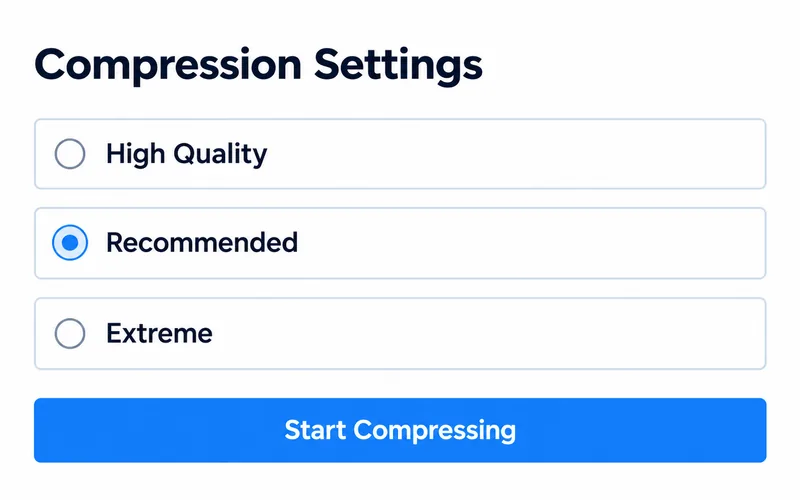
2. Choose your settings
Review the available options, then start processing.
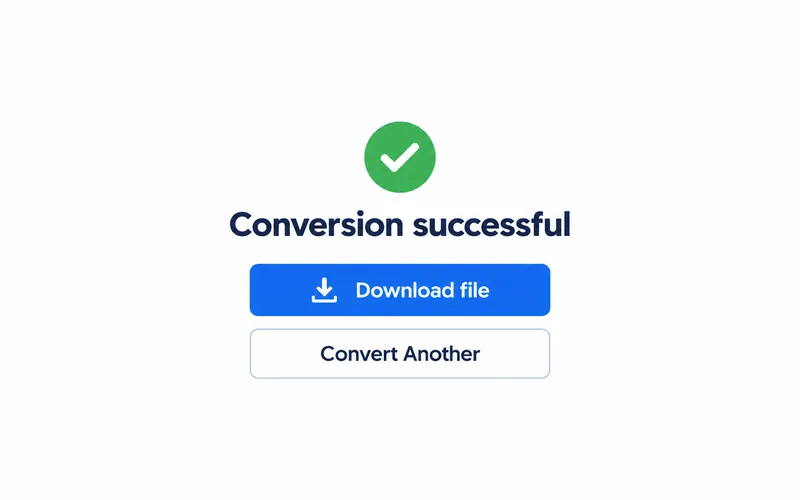
3. Download the result
Save the file and open it to check the result.
What changes in your file
Original document
Image-heavy reports can be inconvenient to upload or share.
Compressed copy
Choose High Quality, Recommended or Extreme; check size and image detail afterwards.
Frequently asked questions
Select PDF. The upload area shows the current file size limit.
The output format is PDF. Open the downloaded file in a compatible application.
Choose a quality level. File size reduction depends on the document; compare image detail.