
Extract Prompt from Video with AI
Reverse engineer artistic styles and instantly extract highly detailed prompts from any video for Midjourney or Stable Diffusion.
Upload video file
MP4, MOV, M4V, MKV, WEBM: max 100MB
More summary tools
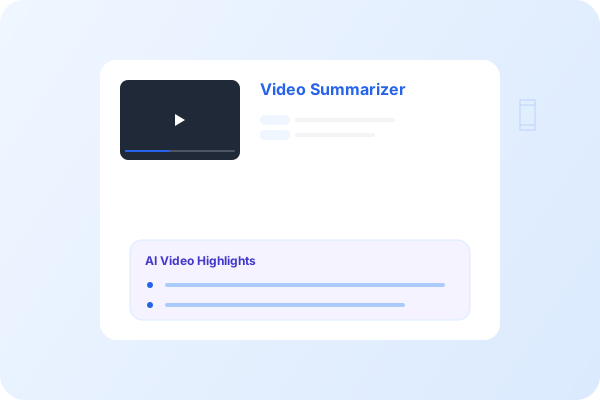
Want to replicate a video's aesthetic in AI?
Extract prompt from video effortlessly. NoteAI's AI Vision tool analyzes your video clips to give you the exact text prompts needed to generate similar visuals.
• Reverse Engineer: Turn stunning video scenes into text prompts. • Highly Accurate: Detects art styles, lighting, camera angles, and moods. • Generator Ready: Perfect for Midjourney, Stable Diffusion, and DALL-E.
Why Extract Prompts with NoteAI?
Accurate Prompt Extraction
Our AI Vision model carefully analyzes video frames to extract highly detailed image generation prompts.
Reverse Engineer Aesthetics
Easily extract prompts from video scenes to replicate cinematic styles, lighting, and composition.
Midjourney & SD Ready
Generate prompts optimized for leading AI image generators like Midjourney, Stable Diffusion, and DALL-E 3.
Frame-by-Frame Analysis
Upload a video and the AI will analyze specific keyframes or the overall visual narrative to generate prompts.
Lighting & Style Detection
Automatically detect advanced parameters like focal length, camera angles, color grading, and lighting setups.
Privacy Guaranteed
Your videos are processed securely and deleted immediately. We never store your creative source files.
How to Extract Prompt from Video
Turn reference videos into AI prompts in 3 simple steps.
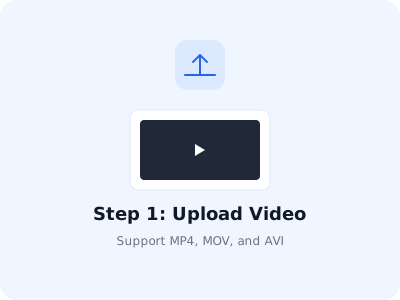
Step 1: Upload Video
Upload the video file containing the visual style or scene you want to reverse-engineer.
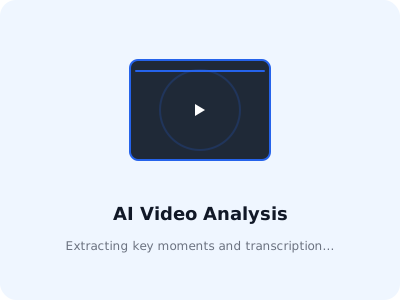
Step 2: AI Vision Processing
NoteAI analyzes the visual elements, composition, and aesthetics of your video content.
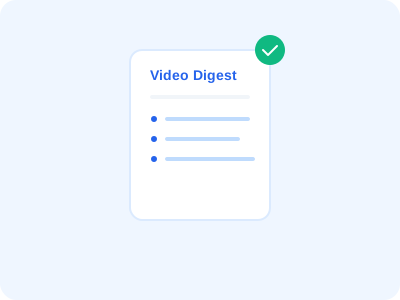
Step 3: Copy AI Prompts
Get a list of highly accurate text prompts ready to be used in Midjourney or Stable Diffusion.
Trusted by AI Artists and Creatives
Ready to extract prompts from your videos?
Upload your reference video now and let NoteAI generate highly accurate text prompts instantly.