
Free YouTube Audio Downloader
Download YouTube audio in various formats instantly. Fast, free, and no installation required.
Enter a YouTube URL to download video or audio in various formats.
Make sure your downloads do not infringe the rights of others.
This tool cannot download copyrighted music.
How to Download YouTube Videos & Audio?
Convert your favorite videos to files in 3 simple steps.
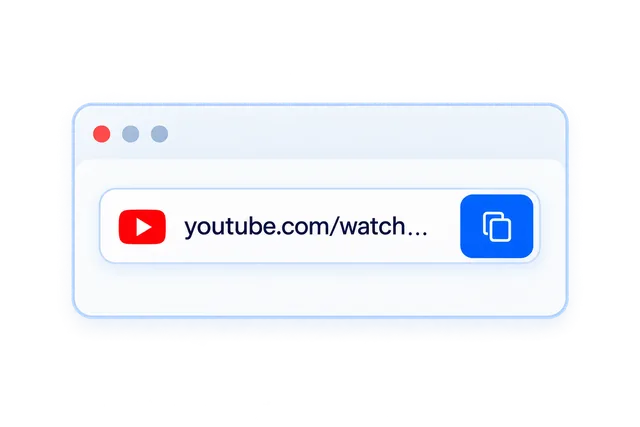
Step 1: Paste Video URL
Copy the YouTube video link you want to download and paste it into NoteAI.
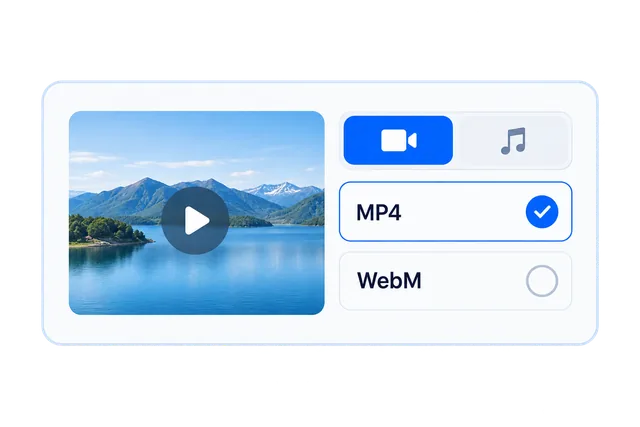
Step 2: Choose Format
Select the video (MP4/WebM) or audio (MP3/WebM) format you need.
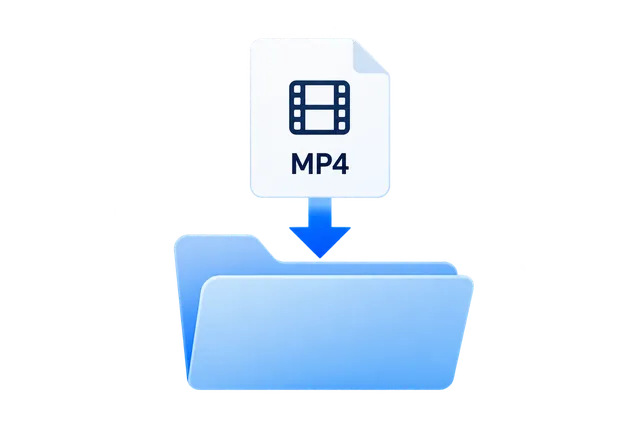
Step 3: Download Instantly
Click the download button. If direct download fails, you can right-click and choose 'Save As'.
Frequently Asked Questions
Yes, NoteAI YouTube Downloader is permanently free and requires no login.
Downloads may fail due to copyright, regional restrictions, or age limits. Also, ensure the link is public.
We strongly recommend using Google Chrome for the best compatibility if you encounter issues.
Links expire after a while. If a link fails, refresh the page and enter the URL again to generate a new one.
Click the download button. If it plays in a new tab, right-click the video/audio player and select 'Save Video As' or 'Save Audio As'.
No. You can use the downloader as a guest without providing any personal information.
Open this site in Safari and process the link. Touch and hold the video download link, then choose Download Linked File if available. Once downloaded, open the file from Safari’s downloads list or Downloads in the Files app. Use Share > Save Video to add it to Photos if the format is supported and the option is available. You can also install Documents by Readdle from the App Store and use this site in its built-in browser. Menu names and available actions vary by system version and file format.
Check that the download finished and that the file is not empty or an error page. Only correct a missing or incorrect extension when you know the original format: for example, .mp4 for an MP4 video or .jpg for a JPEG image. Keep the proper extension for WebM, MP3, and other formats. Renaming an extension does not convert a file or repair damage. If it still will not open, try a compatible player, or process the link again and download another available format.
If the download button is a file link, right-click it and choose Save link as or Download Linked File. If the player is already open, right-click the video and choose Save video as if available; for audio, choose Save audio as. If there is no save option, return to this site and process the link again, or try an up-to-date version of Chrome, Edge, or Firefox. Menu names and available actions depend on your browser and the media link.