
PDF to PDF/A
Create a PDF/A copy for your document archive.
Prepare a copy for long-term storage
Keep your original and validate the converted archive file.

Example output. Actual results depend on your source file.
How it works
Upload your file, process it, then download the result.
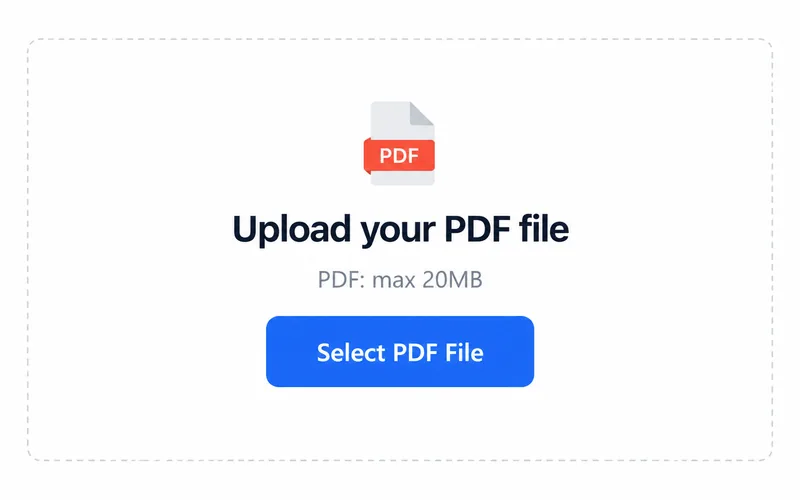
1. Upload your file
Choose a file from your device.
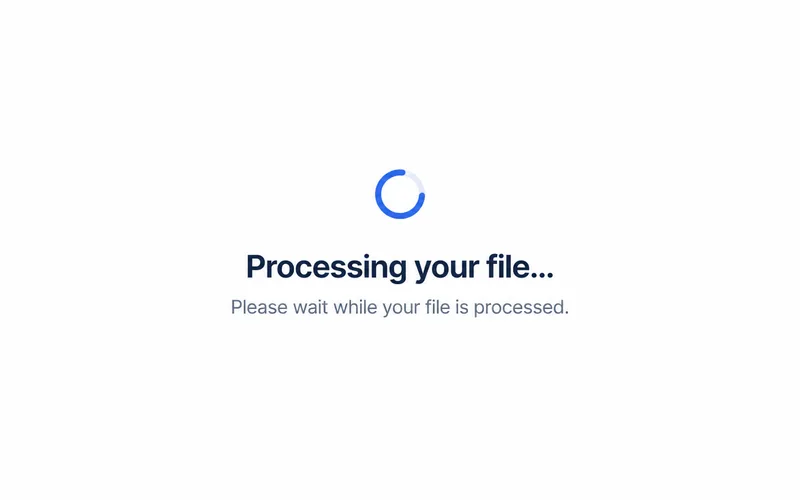
2. Process your file
Processing starts after you select a file.
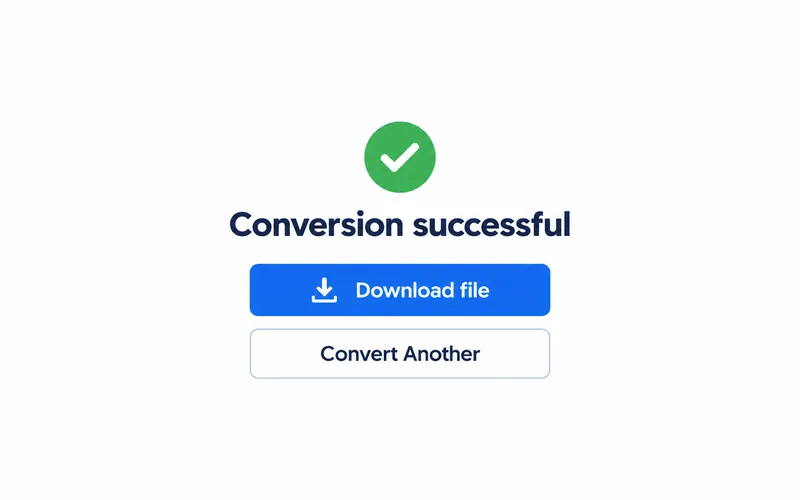
3. Download the result
Save the file and open it to check the result.
Before you use the result
Check the source document
Confirm that the input opens and contains the pages you need.
Validate before archiving
Use a PDF/A validation tool to check the output against your archive requirements.
Frequently asked questions
Select PDF. The upload area shows the current file size limit.
The output format is PDF/A. Open the downloaded file in a compatible application.
Check the archive copy in a PDF/A validation tool before long-term preservation.