
Remove blank PDF pages
Remove automatically detected blank pages from your PDF.
Keep the pages that carry your content
A shorter document without the detected empty pages.

Example output. Actual results depend on your source file.
How it works
Upload your file, process it, then download the result.
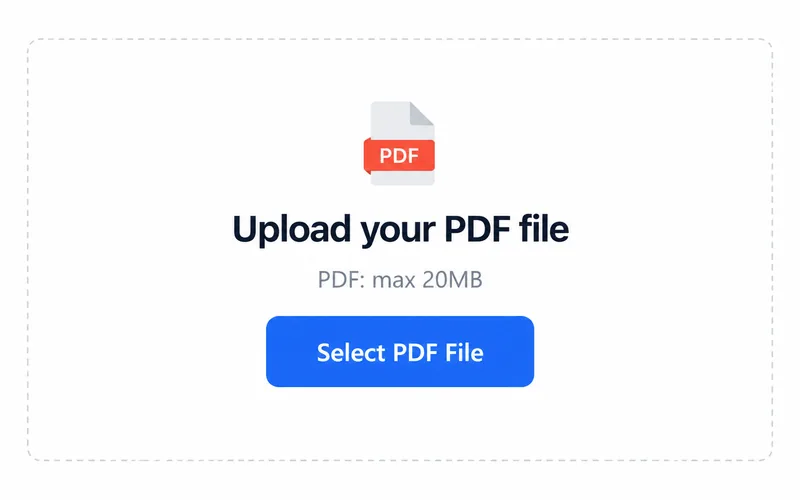
1. Upload your file
Choose a file from your device.
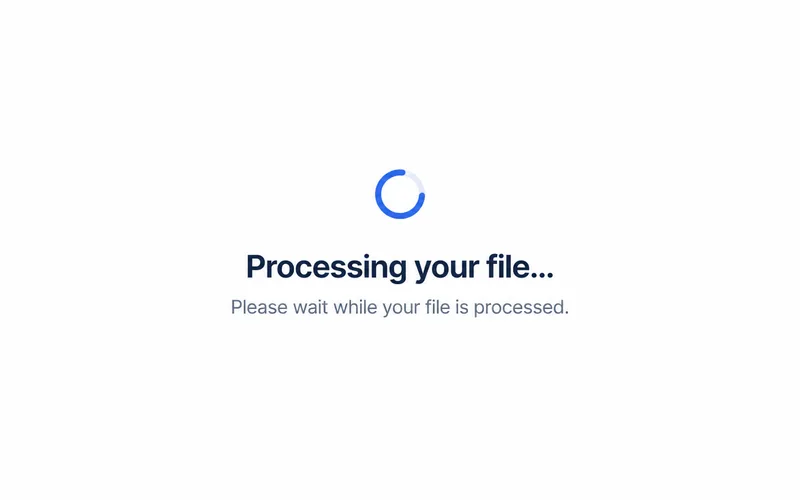
2. Process your file
Processing starts after you select a file.
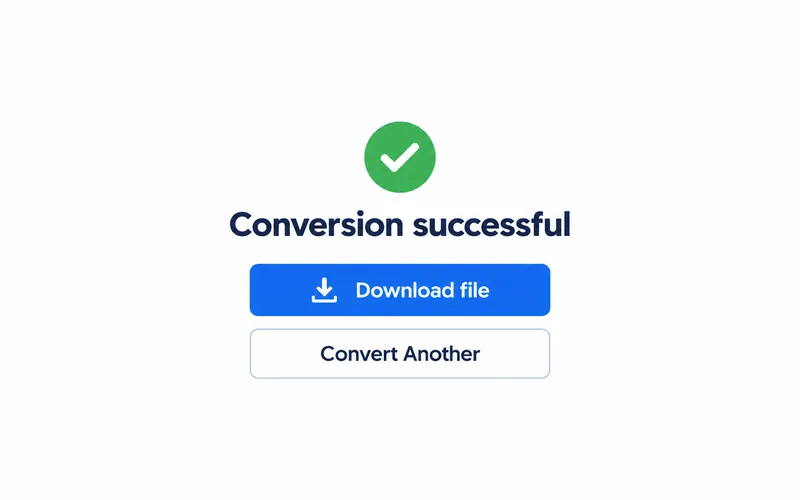
3. Download the result
Save the file and open it to check the result.
What changes in your file
A scan with blank pages
Duplex scans may include empty backs between content pages.
A cleaner page sequence
Automatic detection removes blank pages; check faint marks and page order.
Frequently asked questions
Select PDF. The upload area shows the current file size limit.
The output format is PDF. Open the downloaded file in a compatible application.
Blank pages are detected automatically. Check page order and faint content in the result.