
PDF to HTML
Convert PDF content into a downloadable HTML package.
How it works
Upload your file, process it, then download the result.
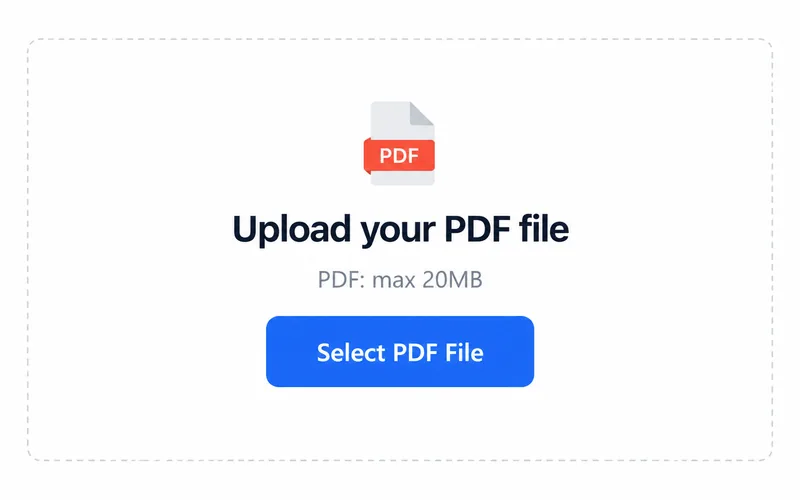
1. Upload your file
Choose a file from your device.
2. Process your file
Processing starts after you select a file.
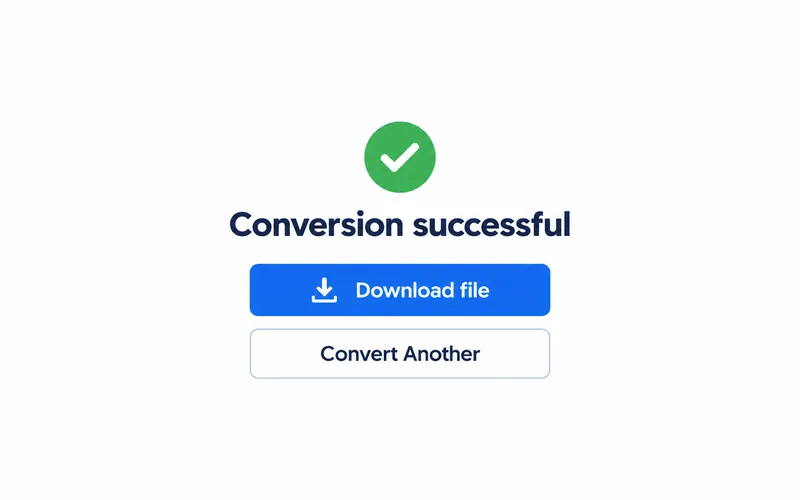
3. Download the result
Save the file and open it to check the result.
A document you can open as HTML
The converted web document is delivered inside a ZIP archive.

Example output. Actual results depend on your source file.
Work with your HTML package
HTML in a ZIP package
Extract the downloaded ZIP to access the HTML document and included files.
Review in your browser
Open the extracted HTML locally and check text order, images and layout.
Frequently asked questions
Select PDF. The upload area shows the current file size limit.
The output format is HTML (ZIP). Open the downloaded file in a compatible application.
The download is a ZIP package containing HTML. Extract it before opening the web document.