
PDF to images
Export PDF pages as JPEG images, separately or as one long image.
Your pages, now in image form
Choose the output mode and color treatment before converting.

Example output. Actual results depend on your source file.
How it works
Upload your file, process it, then download the result.
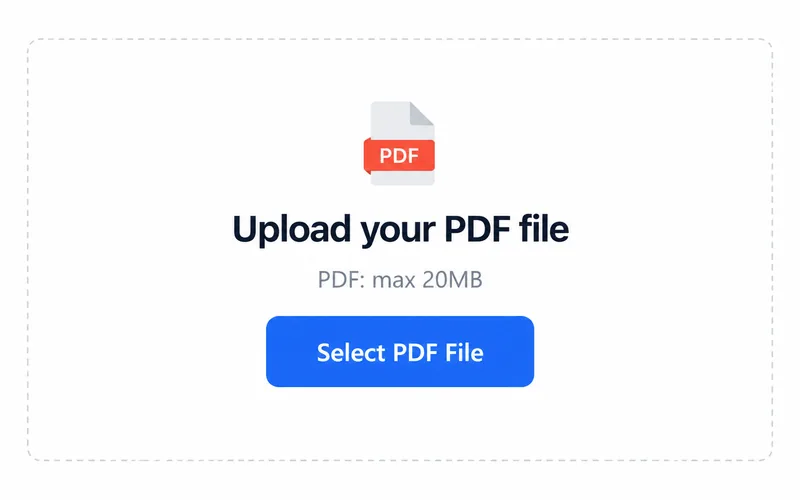
1. Upload your file
Choose a file from your device.
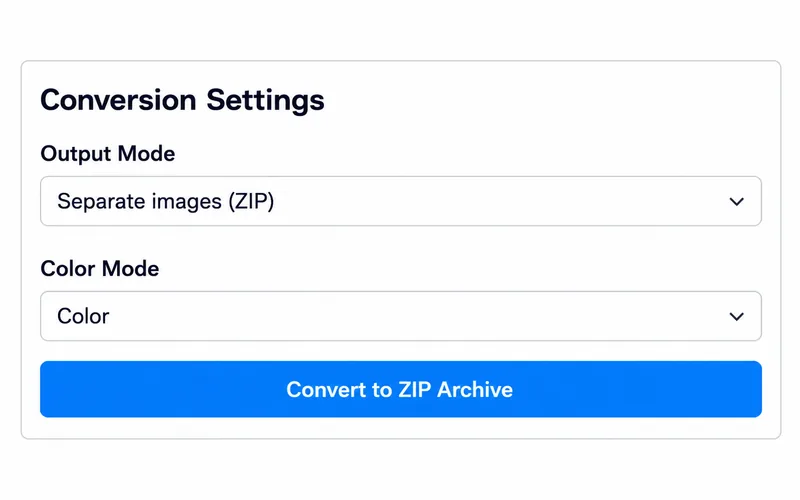
2. Choose your settings
Review the available options, then start processing.
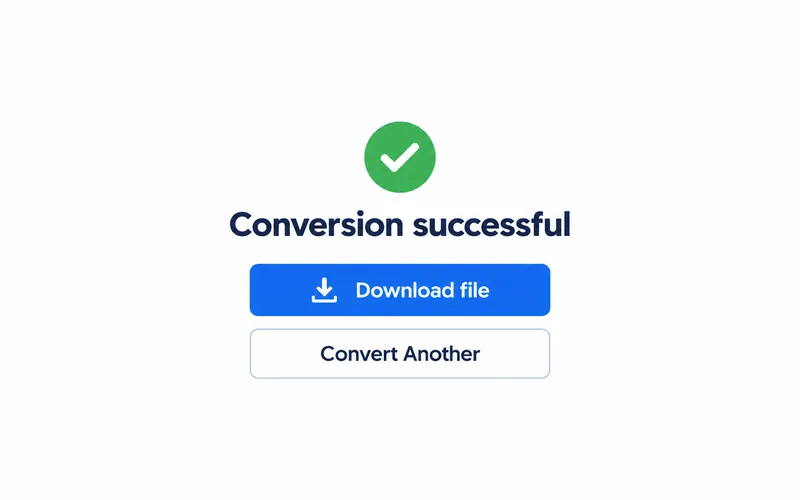
3. Download the result
Save the file and open it to check the result.
Choose the output you need
Separate pages in a ZIP
Download a ZIP containing individual JPEG pages for slides or attachments.
One long JPEG image
Combine pages into a long image; choose color, grayscale or black and white.
Frequently asked questions
Select PDF. The upload area shows the current file size limit.
The output format is JPEG / ZIP. Open the downloaded file in a compatible application.
Export separate JPEG pages as a ZIP or one long JPEG. Choose color, grayscale or black and white.