
PDF to video
Turn PDF pages into a downloadable MP4 video.
A document presented as a video
See your pages as frames in a video file.

Example output. Actual results depend on your source file.
How it works
Upload your file, process it, then download the result.
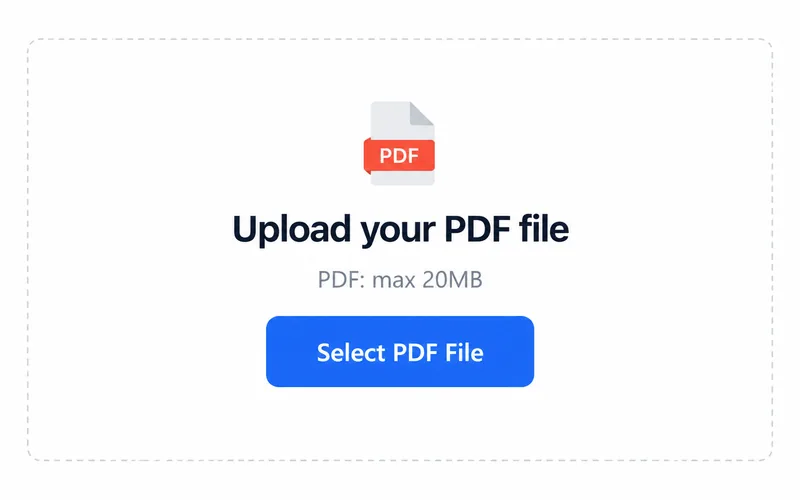
1. Upload your file
Choose a file from your device.
2. Process your file
Processing starts after you select a file.
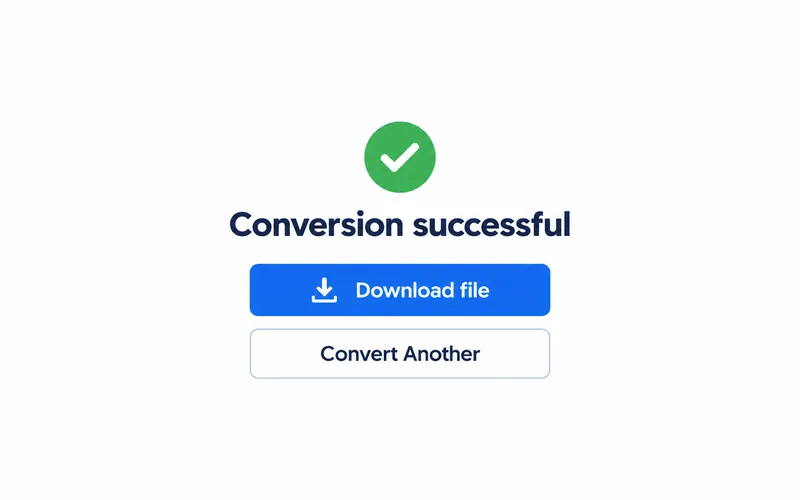
3. Download the result
Save the file and open it to check the result.
Where this fits your workflow
Prepare a page-based presentation
Use the exported MP4 as a starting point for a video workflow.
Finish in your video editor
Add narration or music in another tool if needed; this page has no audio or timing controls.
Frequently asked questions
Select PDF. The upload area shows the current file size limit.
The output format is MP4. Open the downloaded file in a compatible application.
Download MP4 from PDF pages. This page has no narration, music or duration settings.