
Transcript to Mind Map AI
Turn transcript text and TXT, SRT or VTT files into an editable mind map with AI. Review key topics, adjust branches and export your result with NoteAI.
Convert transcript to mind map AI
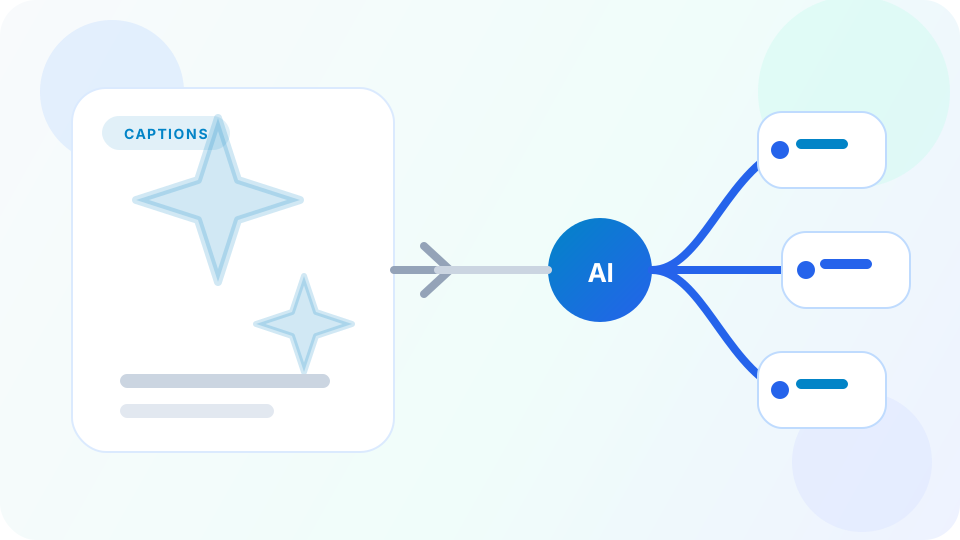
Turn spoken content into a map instead of reading every line
Transcript to Mind Map AI is useful for interviews, podcasts, lectures, meetings, and video transcripts where the content is valuable but too linear to review quickly.
A visual map helps reorganize the transcript into topics, examples, arguments, and takeaways so you can revisit the ideas without scrolling through a long block of dialogue.
Why convert transcripts to a mind map

Review spoken content faster
Transcripts preserve detail, but a visual map makes the structure and themes easier to scan quickly.

Useful for lectures, interviews, and podcasts
A map helps turn long spoken material into topic clusters, arguments, and examples you can revisit later.

Better for reuse and follow-up writing
Use the map to create notes, briefs, articles, decks, or learning assets from spoken content.
How transcript to mind map works
Useful for spoken content, lectures, interviews, and content repurposing workflows.

Paste the transcript
Pasted transcript text or TXT, SRT and VTT files; this page does not transcribe audio.

Group the discussion into branches
AI organizes the transcript into topics, subtopics, examples, decisions, and takeaways.

Review or repurpose the result
Use the map for study, team review, content reuse, or faster follow-up writing.
Transcript to mind map FAQ
Create your mind map
Use the input above to create an editable mind map. Usage limits apply.