
Word to Mindmap AI
Turn DOCX document text into an editable mind map with AI. Review key topics, adjust branches and export your result with NoteAI.
Upload a Word document
Word: max 20MB
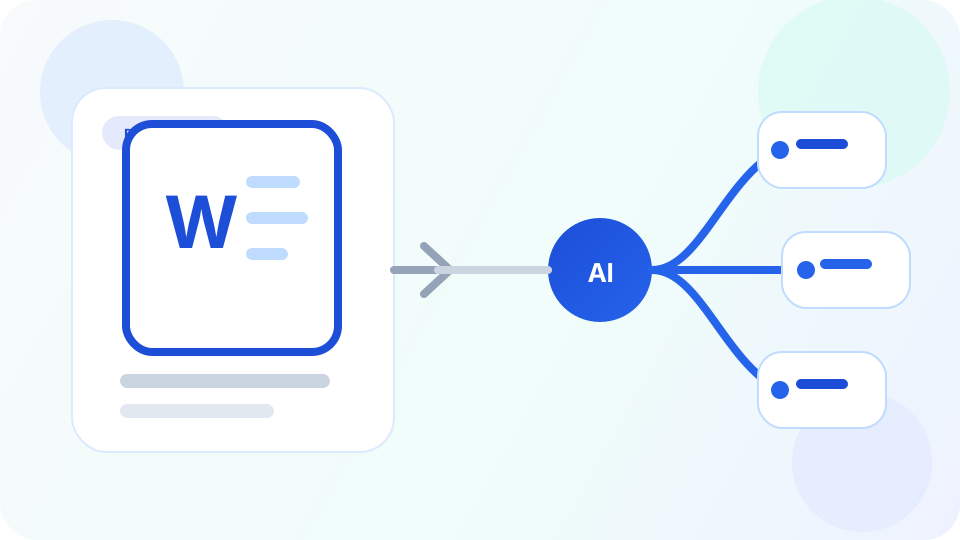
Turn long DOCX files into a visual outline you can scan and reshape
Word to Mindmap AI helps when a DOCX file contains useful material but the structure is hidden inside pages of paragraphs and headings.
Instead of editing linearly, you can step back and review the whole idea tree, which is especially useful for planning, rewriting, and identifying missing branches before the next version.
Why convert Word documents to a mind map

See document structure faster
A visual tree makes it easier to understand section balance and topic coverage than a long document view.

Improve editing and rewriting
Writers and teams can spot missing branches, duplicated sections, and weak logic faster.

Useful before review, training, or presentation
A document map is useful before turning a draft into slides, training material, or speaking notes.
How Word to mind map works
Useful for drafts, reports, internal docs, research notes, and study files.

Upload your Word document
A DOCX file containing readable text. Legacy DOC files are not supported.

Map the sections and ideas
AI converts the document into a branch structure that highlights sections, subtopics, and support.

Refine before writing or sharing
Use the map to revise the document, align stakeholders, or prepare new versions of the content.
Word to mind map FAQ
Create your mind map
Use the input above to create an editable mind map. Usage limits apply.